M3Resp documentation#
// MULTIMODAL RESPIRATORY RESEARCH · v0.2.1
Respiratory signal integration for reproducible multimodal analysis.
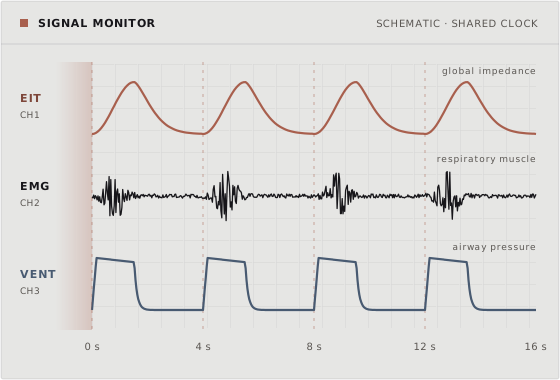
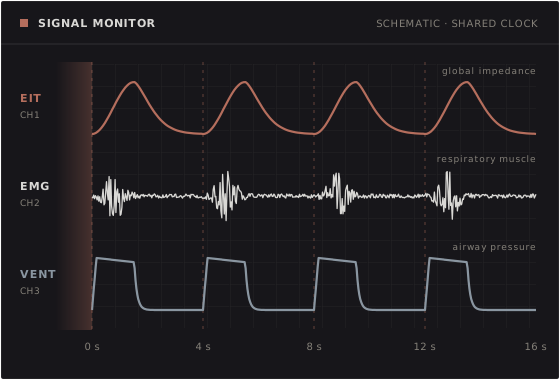
Bring electrical impedance tomography (EIT), respiratory muscle electromyography (EMG) and ventilator recordings of pressure, flow and volume into one shared scientific workflow.
Modalities
EIT · EMG · VENT
Workflow files
YAML · JSON
Python
3.12 or newer
License
Apache-2.0
How a workflow runs#
A workflow is a YAML file with an ordered list of steps. A typical multimodal workflow goes through these five stages.
01
Load
Read the EIT, EMG and ventilator recordings into one session.
eit.load emg.load ventilator.load
02
Synchronize
Put the start time of each recording on a shared clock.
sync.raw_modalities
03
Clean
Remove the heart signal and filter each signal.
eit.mdn_filter emg.ecg_gating
04
Detect breaths
Find the breaths in each signal.
eit.detect_breaths emg.detect_breaths ventilator.detect_breaths
05
Compute and export
Calculate breath parameters and write the results to files.
eit.eeli emg.time_product export.session_summary
Choose your path#
Start with the installation, a tutorial or the workflow reference.
Install M3Resp and its EIT and EMG packages, and run your first workflow.
Start here →
Follow a complete EIT, EMG or multimodal analysis of the synthetic recordings.
View tutorials →
Write a workflow file, list the processing steps and check the file before a run.
Workflow reference →
How these pages are organized#
Tutorials take you step by step through one complete analysis. Start here if you are new to M3Resp.
How-to guides show how to do one task, for example to change the EMG filter or to export the results.
Concepts explain what each scientific object is and why M3Resp works the way it does.
The workflow reference and the API reference describe each workflow step and each Python function and class.
Help and citation#
Get help shows how to read an error message and where to ask a question or report a problem.
Cite M3Resp gives the citation data of M3Resp and of the EIT and EMG packages.